How to Remove a Tattoo in GTA 6 on PS5
Quick answer
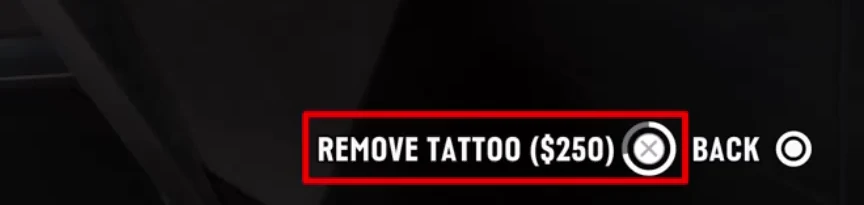
Visit a tattoo shop marked with a heart on the map. Speak to the employee, choose the body area with the tattoo and highlight the existing design. On PS5, hold × (Cross) at the removal prompt. The clip shows a price of $250 in-game.
Find a tattoo shop
Open the map and look for the heart-shaped tattoo shop marker. Travel to the shop, go inside and speak to the employee to bring up the customization menu.
Select the tattoo you already have
Choose the body area where the design is applied. The video uses the left arm. Move to the existing design and check the command in the lower-right corner before you confirm.
Hold Cross on the removal prompt
When the command reads Remove Tattoo ($250), hold × (Cross). The amount is the price shown for the selected design in EfiRun’s recording. Check the amount displayed in your own menu before confirming.
Expected result
The selected tattoo is removed from that body area.
Troubleshooting
If the menu offers to apply a design, return to the body area and highlight a tattoo your character is already wearing.