Controls and settings
How to Slap in GTA 6 on PS5
Quick answer
Walk up to a neutral NPC, stop a short distance away and face them. While they are facing your character, tap Square (□) once on the PS5 controller.
Line up with a neutral NPC
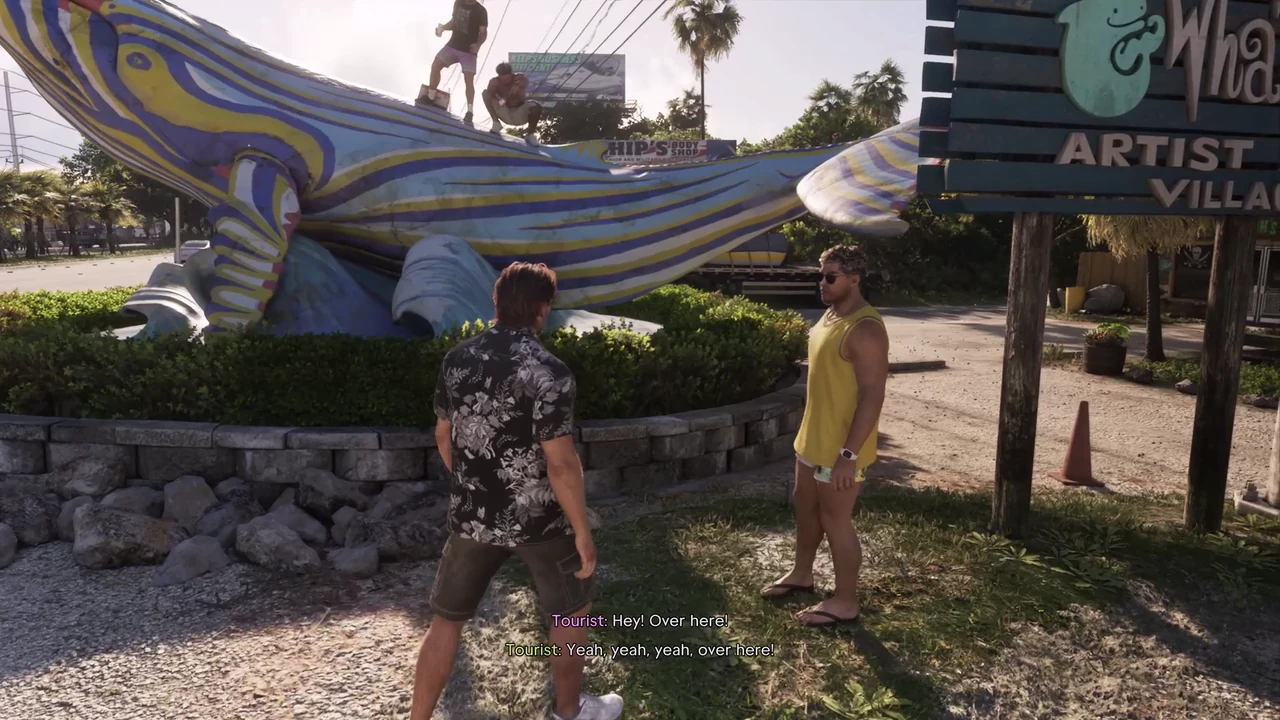
Approach a stationary NPC on foot. In the clip, the player stops in front of a character in a yellow shirt, leaving a small gap. Turn your character until the two are facing each other.
Tap Square once
With the NPC still neutral, briefly press Square. Watch the character animation and the NPC’s reaction. The demonstration uses a single tap, so you can let go as soon as you press it.
Expected result
The character performs a short open-handed animation and the NPC reacts.
Troubleshooting
If you get a different animation, try the setup again with an NPC who is facing your character and has not already entered combat.